
A launch is a starting point, not a synchronization job
A Launch Pack copies a versioned native page tree into an unused target. The installation marker records the created files. After that, those Pages belong to the site owner and can change independently of the bundled source.
Observe the decision
Updating Modularis does not rewrite those edits. The explicit Changes check distinguishes modified, added and removed files. Reinstall and Uninstall can discard work after a warning and deliberate confirmation; neither is an automatic migration or a Repair action. Back up anything you want to keep.
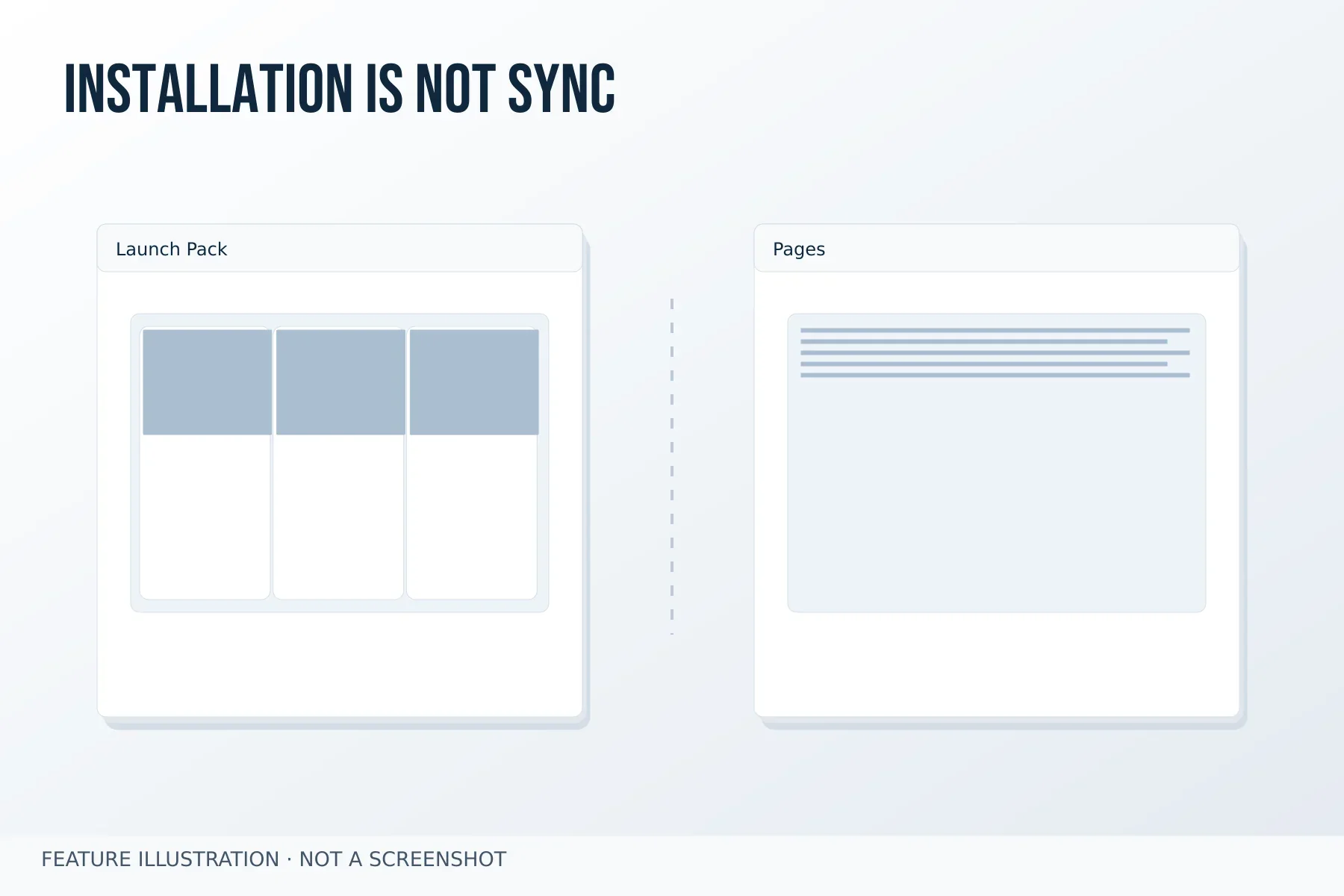
Image credit: Gravister · MIT
Make a replacement decision from the change report
- Back up the installed pack's content, media and translations.
- Open Changes and record the modified, added and removed files you need to keep.
- Keep the current Pages when continuing editorial work. Choose Reinstall only when you deliberately want replacement, after reviewing its warning and confirmation. Updating the plugin alone is not that decision.
One change, three different owners · All articles
Plan the next edit before replacing a pack
After installation, the supplied page tree belongs to the site you are building. You can replace text and media, remove an example page or add a native child page. Those edits are not a request for the next plugin update to merge a new demo into your work. The installed marker records the source files so the existing lifecycle can detect changes, not so it can synchronise editorial decisions automatically.
If you want a fresh demonstration later, inspect the changed-file report and keep a backup of anything you need. Reinstall is an explicit replacement action and may require force confirmation when files have changed. Uninstall removes the managed tree through its own confirmation path. A conflicting unmarked target remains protected. This distinction keeps experimentation possible without treating a plugin update as permission to overwrite a website.