
One change, three different owners
A sentence belongs to the page editor. The order of sections belongs to Page Composer. The site header belongs to the active theme. These are ordinary ownership boundaries, not three competing builders.
Observe the decision
Imagine changing a service introduction. Open its section in native Pages, edit the body and save. You do not need to rebuild the homepage. If the same section should appear earlier, use Composer to move it. If the navigation logo is wrong, open Theme Settings instead.
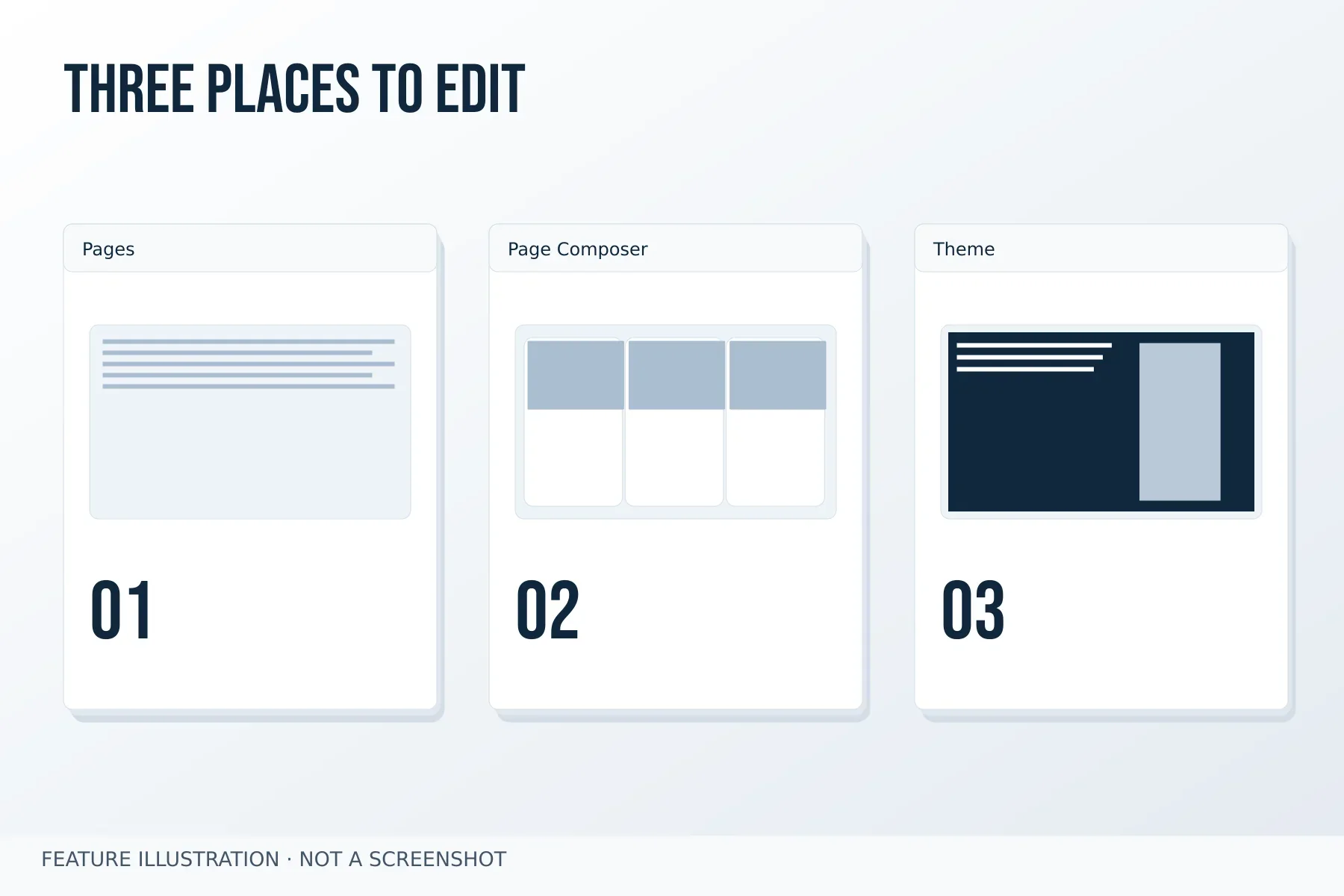
Image credit: Gravister · MIT
Check the three owners separately
- On a copy of a service page, edit only the opening sentence in Pages and save it.
- Move that section in Composer; confirm that its saved sentence has not changed.
- Inspect the header in Theme Settings without changing the section. Record which surface owns each intended change before editing another setting.
Translate the message, share the structure · All articles
Follow one change through the tools
Imagine changing the opening sentence of a service page. Open the native Pages editor and edit the page content there. Saving the sentence does not require rebuilding the modular structure. If you later want the introduction below a feature list, use Page Composer to change the section order. If the typography needs adjustment, inspect Design Kit for the relevant component or the active theme settings for the wider site presentation.
Make one change at a time and inspect the saved frontend result. This helps distinguish an editing mistake from stale cache or a theme styling difference. None of these steps requires Derivis. A derived theme becomes useful when you intend to maintain your own theme overrides, and creating it is a separate decision from editing page content or arranging sections.