Skip to content
THE GRAV 2 PRODUCT FAMILY

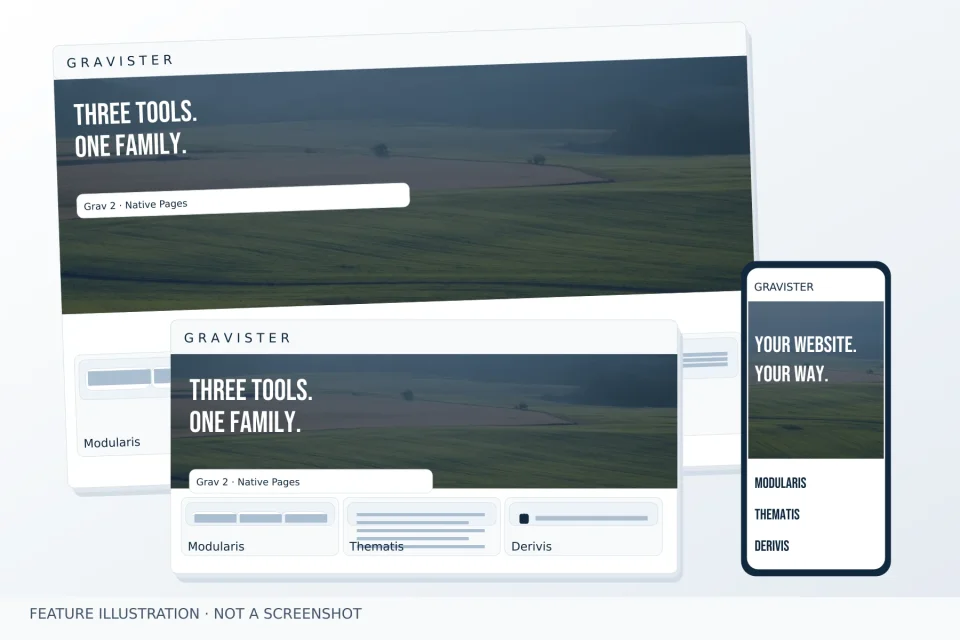
THREE TOOLS. ONE FAMILY.

Gravister brings page composition, site presentation and derived themes to Grav 2. Three independent products, one clear vision.

Illustration of current features based on product sources. Not a screenshot or customer project.

ModularisPage composition
ThematisSite presentation
DerivisDerived themes

THREE PRODUCTS. ONE VISION.

Compose the page. Shape its presentation. Derive a theme. Each product has its own responsibility and works independently.

The right tool for the change

Start with what you need. The products cooperate without requiring each other.

NeedModularisThematisDerivis
Compose modular sections——
Header, navigation and footer✓—
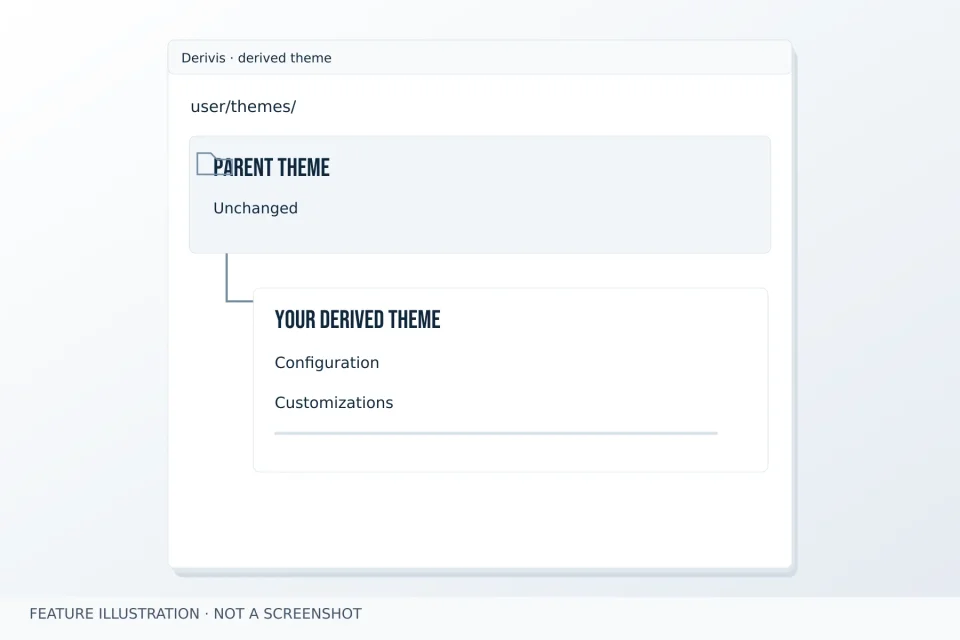
Create a derived theme—✓

YOUR WEBSITE. YOUR WAY.

Choose the tools that meet your needs. Every Gravister product works independently.

  1. Start with your project

    Manage content and pages natively in Grav 2. You do not need to change how you work or use the entire product family.

  2. Compose pages with Modularis

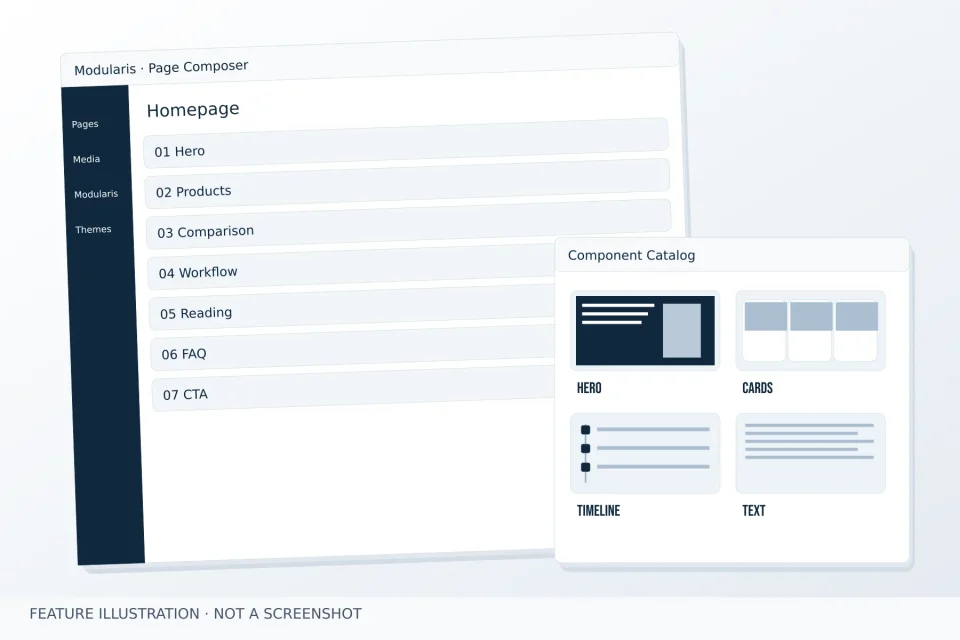
    Use Page Composer when you need to compose sections and change their order.

  3. Choose the presentation you need

    Thematis provides site presentation. Derivis helps you create a derived theme. Each tool serves its own purpose.

  4. Develop your website your way

    Your content stays in native Pages. Add other tools when you actually need them.

The thinking behind a better website

Practical notes on editing, translation and starting safely.

All articles

Choose your next step

A first-page guide and answers to help you choose your tools.

Find your own route

Direct links to the products and practical information.

Products:

In practice: First page · Choose your tools · Articles

Before you start building

Clear answers to practical questions.

Do I need all three products?

No. Modularis works with a compatible theme without Thematis. Use Derivis only when you need to create a derived theme.

Will installation change my active theme or existing pages?

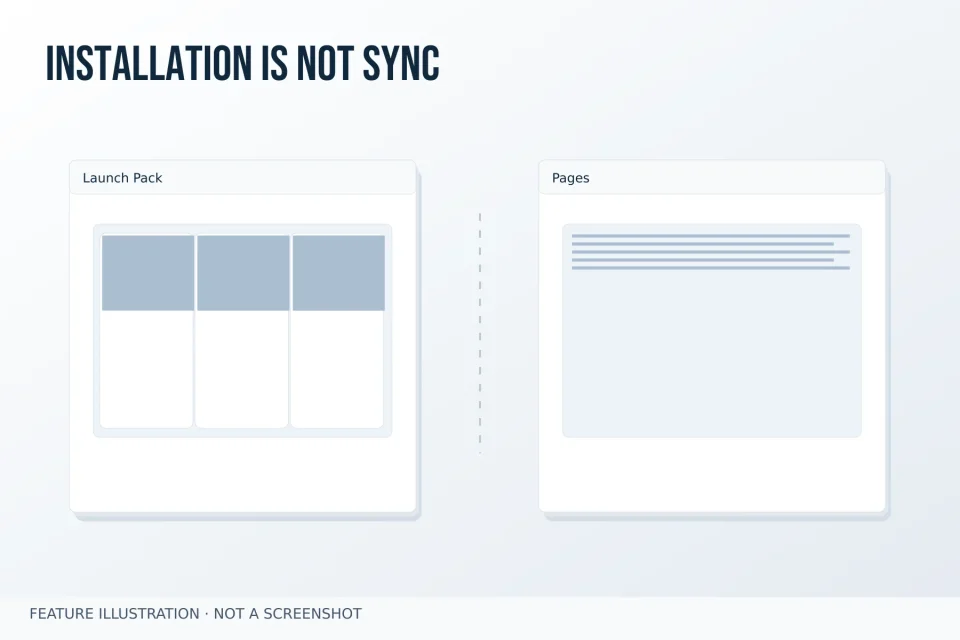
No. A Launch Pack installs its declared page tree into an unused target. Your active theme, site identity and existing Pages remain unchanged.

Where do I edit text and section order?

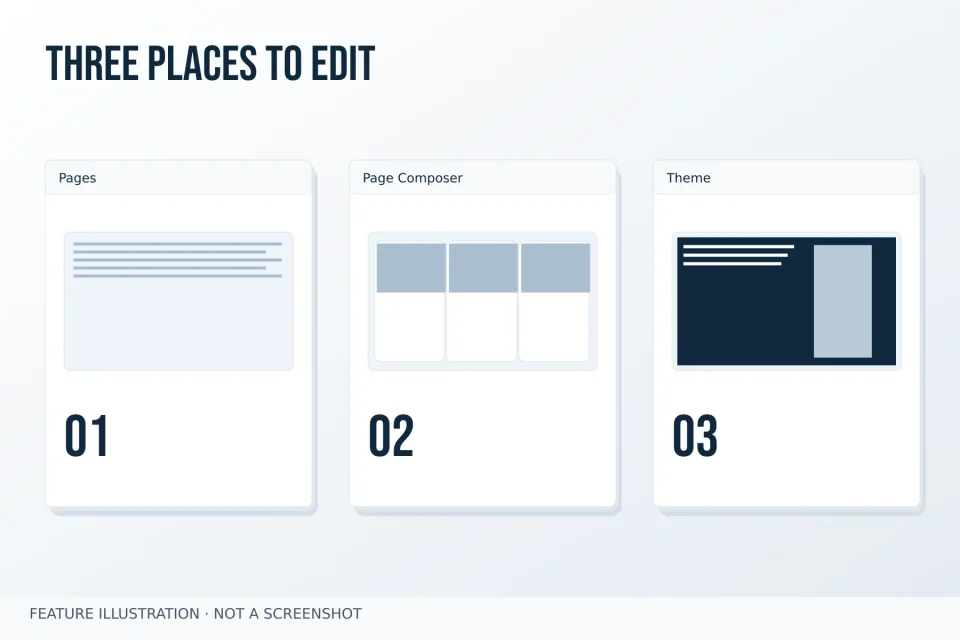
Edit text and media in native Grav Pages. Manage section composition and order in Page Composer. The active theme controls the global appearance, including the header, navigation and presentation of the whole site. Design Kit provides explicitly enabled component-level adjustments; it does not replace the theme.

How do Czech and English content work?

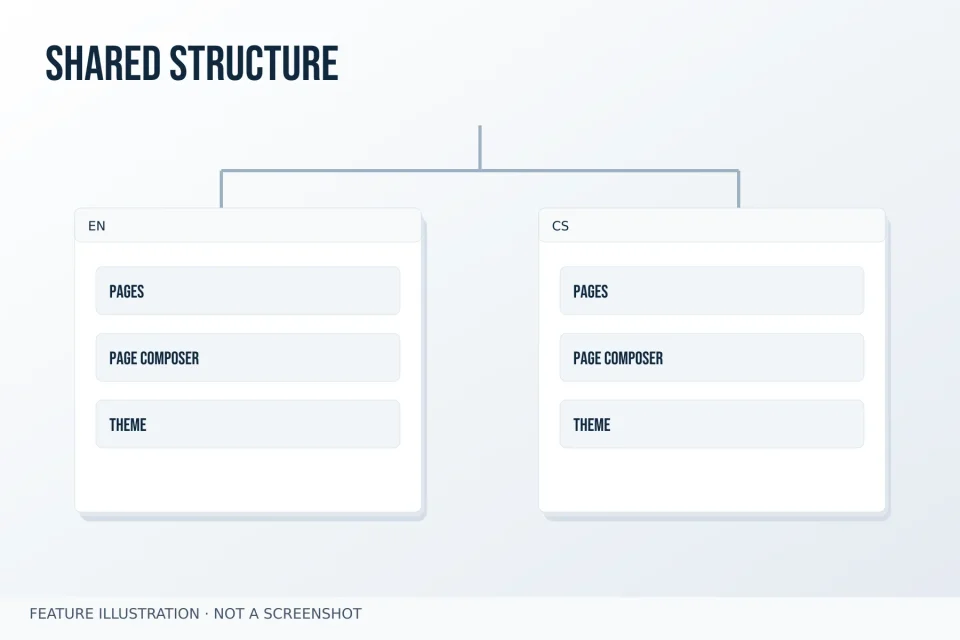
Pages use native Grav language files. Translated text remains independent; Composer keeps a shared structure across existing supported parent variants.

BUILD THE WEB YOUR WAY.

Explore the Gravister tools and start with the one you need right now.